



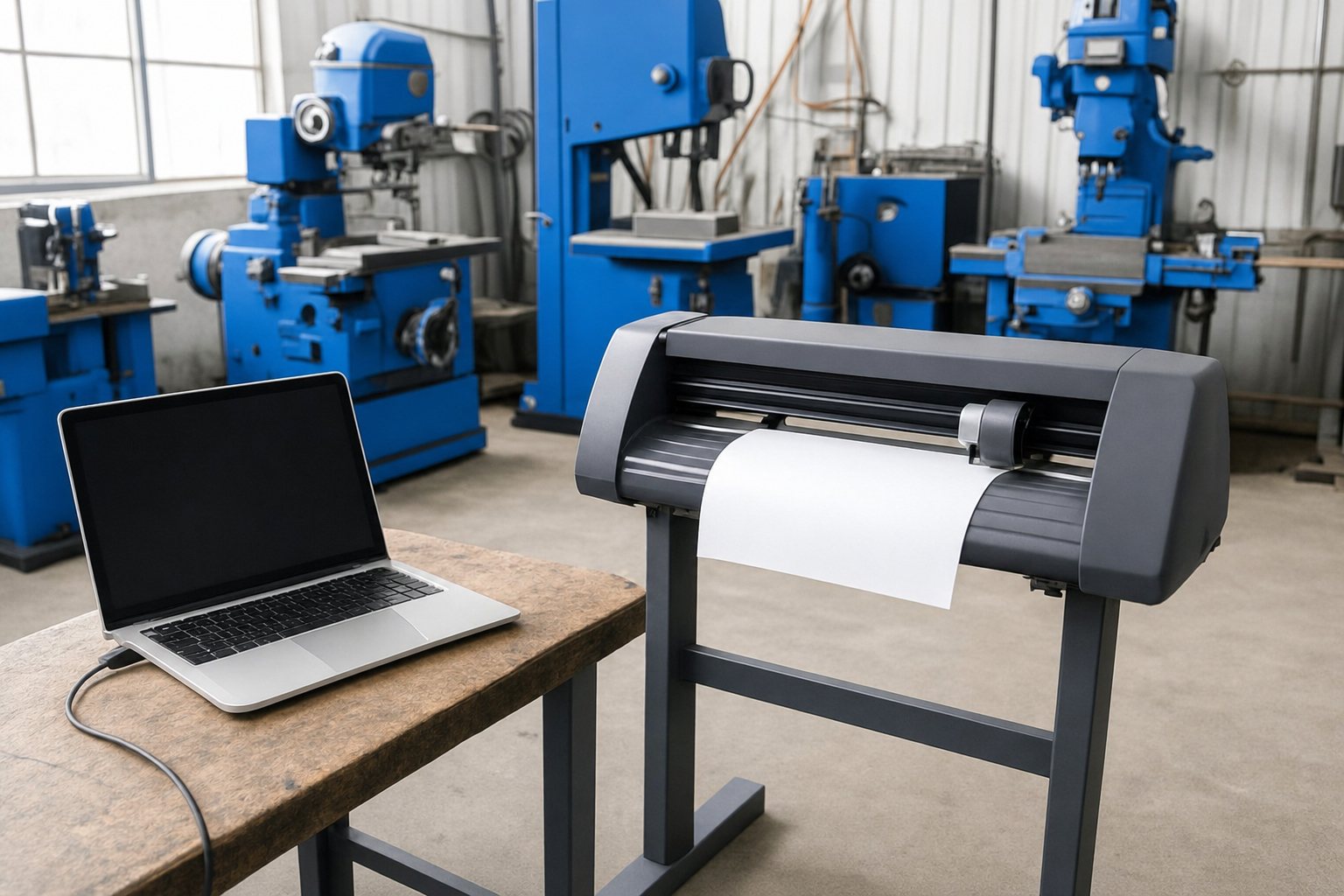
USB and computers
The V-Smart+Plus uses an FTDI USB chip and supports all Windows versions, as well as Mac and Linux. The V-Smart 740 and 1310 have a real USB port that is plug and play on Windows with no driver.
Languages
Every V-Smart supports standard HPGL and DMPL, so most sign software can drive it and it can work as an AutoCAD plotter. The V-Smart+Plus can also cut a .PLT file straight from a flash drive with no computer attached.
Power
V-Smart cutters use household 220V electricity, and work from a generator through AM.CO.ZA's precision AVR.